
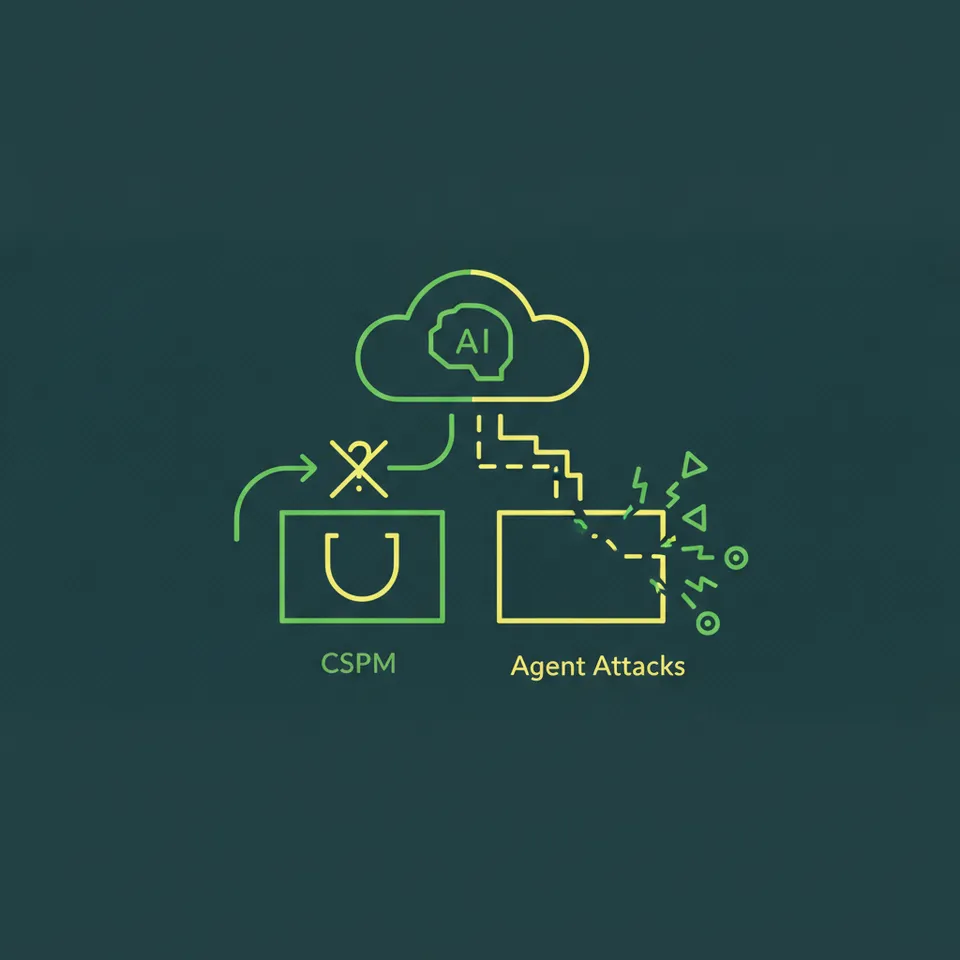

Your CSPM is blind to your biggest new insider threat: your own AI.
For years, cloud security has revolved around infrastructure configuration. Tools like Wiz, Prisma Cloud, and Orca excel at spotting a publicly exposed S3 bucket or a permissive security group. Their job is to audit the static state of your cloud resources against a baseline of known-good configurations. This model works well for traditional infrastructure, but it completely breaks down when faced with autonomous, agentic AI.
Agent attacks don't exploit infrastructure misconfigurations; they abuse legitimate permissions. A compromised AI agent making API calls looks like intended behavior to a CSPM. It's not scanning for a vulnerability in your code. It's not exploiting a network flaw. It’s a trusted, non-human identity operating within its assigned IAM role, but with malicious intent dictated by an attacker. This is a behavioral and identity-based problem, one that posture management tools aren't built to solve.
Understand the Agent Attack Surface Your CSPM Misses
The disconnect between executive confidence and technical reality is stark. While 82% of executives report confidence that their existing policies protect against unauthorized agent actions, a separate assessment found that only 14.4% of organizations effectively protect against them. This gap exists because traditional security tools don't see the primary vectors for agentic AI attacks. They're looking at the wrong layer of the stack.
The attack surface has moved from the infrastructure to the application's logic and identity. The OWASP Top 10 for Large Language Model Applications provides a clear map of these new vulnerabilities. Threats like Prompt Injection (LLM-01), Insecure Output Handling (LLM-02), and Model Poisoning (LLM-03) aren't infrastructure issues. they're attacks against the model's operational logic that CSPMs have zero visibility into.
Consider the recent Cline npm supply chain attack, which weaponized prompt injection against CI/CD pipelines. An attacker didn't need to find a network vulnerability. They simply tricked an AI agent into executing unauthorized commands during a software build, demonstrating a practical exploit that bypasses perimeter defenses entirely.
The IAM Blind Spot: Overprivileged AI Agents
The single greatest operational risk is an overprivileged AI agent. When you provision an Amazon Bedrock agent or a Google Vertex AI instance, you assign it an IAM role. That role becomes the agent's identity, and its permissions define the blast radius of a potential compromise. Cloud breaches often stem from compromised identities, making these non-human identities prime targets.
Research shows this isn't a theoretical problem. A recent study found that many organizations have overprivileged IAM roles that AWS AI services can assume. The permissions are often granted out of convenience during development and never revised. Even more concerning, a considerable number of these powerful roles are completely unused. The same research found many Amazon SageMaker roles and Amazon Bedrock agent roles are currently inactive, sitting dormant as latent, high-privilege attack paths.
An overpermissive policy for an AI agent might look like this:
{ "Version": "2012-10-17", "Statement": [ { "Effect": "Allow", "Action": "s3:*", "Resource": "*" }, { "Effect": "Allow", "Action": "dynamodb:GetItem", "Resource": "arn:aws:dynamodb:us-east-1:123456789012:table/customer-data" } ]
}
The s3:* on Resource: "*" is the critical failure. The developer likely needed the agent to read from one bucket and write to another, but instead granted it full control over every bucket in the account. An attacker who compromises this agent through prompt injection can now exfiltrate, delete, or ransom every piece of data you store in S3. Your CSPM won't flag this because the agent is using its assigned permissions. The fix is to follow a least-privilege model, something Tamnoon helps enforce through production-safe automated remediation. You must be specific, a topic further explored in our guide to fixing over-permissive IAM.
The Data Exfil Blind Spot: Shadow AI and Unsanctioned Tools
Shadow IT has evolved into Shadow AI. Developers, data scientists, and even marketing teams are using third-party AI tools and browser extensions to improve productivity. They paste proprietary source code into a code generation tool or upload sensitive financial documents to an LLM for summarization. In their view, it's a harmless shortcut. From a security perspective, it's uncontrolled data exfiltration.
A significant majority of organizations report either confirmed or suspected AI agent security or privacy incidents within the last year. Many of these incidents stem from unsanctioned use. Your data is now on a third-party server, its retention and security policies are outside your control, and it's potentially being used to train a public model.
Detecting this requires a shift in monitoring. It's less about firewall rules and more about understanding data flows. You must monitor DNS queries and egress network traffic for connections to known AI service providers. Endpoint agents and browser management policies can help control which extensions are allowed. This is about monitoring user and service behavior to enforce data governance, not just hardening infrastructure. It's a key tenet of managing cloud security ownership gaps effectively.
Shift from Static Scanning to Monitoring
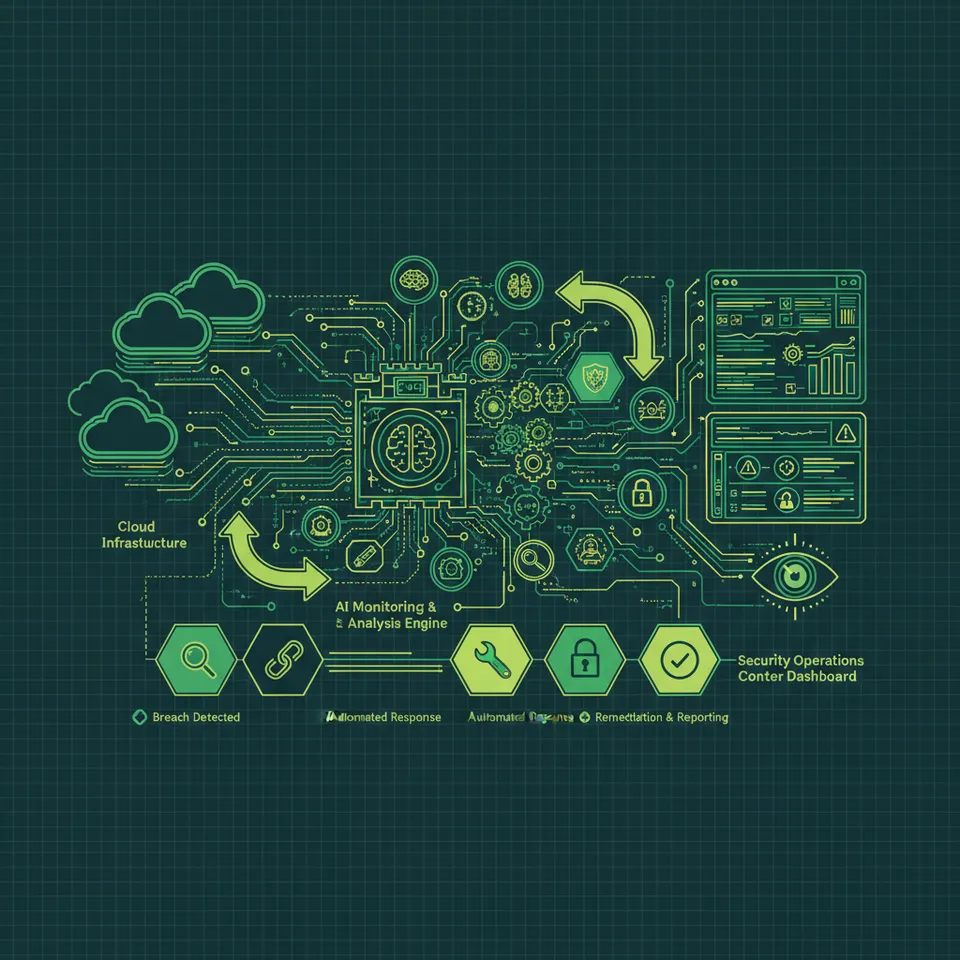
To secure AI agents, you must move beyond the static, snapshot-based approach of CSPMs and adopt , real-time monitoring focused on identity and behavior. The goal is to establish a baseline of normal activity for each non-human identity and then alert on any deviation.
Step 1: Inventory Your Non-Human Identities
You can't secure what you don't see. The first step is to build a comprehensive inventory of every AI agent, service account, and machine identity in your environment. This includes:
- Cloud-Native AI Services: Roles associated with Amazon Bedrock, SageMaker, Google Vertex AI, and Azure AI.
- CI/CD Pipelines: Service principals used by tools like Jenkins, GitLab CI, and GitHub Actions, especially those with access to production environments.
- Third-Party Integrations: API keys and OAuth tokens used by SaaS platforms that integrate with your cloud environment.
Use your cloud provider's tools to get started. In AWS, you can use IAM Access Analyzer to identify roles and their usage patterns. Azure and GCP offer similar capabilities. Scripting this with the AWS CLI or other SDKs can help automate the discovery process across multiple accounts.
Step 2: Implement and Enforce Least Privilege
With an inventory in hand, the next step is to ruthlessly enforce the principle of least privilege. For every AI agent, review its attached IAM policy and scope it down to the absolute minimum set of permissions required for its function. Turn the overly permissive S3 policy from earlier into this:
{ "Version": "2012-10-17", "Statement": [ { "Effect": "Allow", "Action": "s3:GetObject", "Resource": "arn:aws:s3:::input-data-bucket/*" }, { "Effect": "Allow", "Action": "s3:PutObject", "Resource": "arn:aws:s3:::processed-results-bucket/*" }, { "Effect": "Allow", "Action": "dynamodb:GetItem", "Resource": "arn:aws:dynamodb:us-east-1:123456789012:table/customer-data" } ]
}
This policy is explicit. The agent can only read from a specific input bucket and write to a specific output bucket. Its ability to cause widespread damage is drastically reduced. Automating this process continuously is critical, as permissions tend to drift over time. This continuous validation and remediation is core to an effective automated exposure management strategy.
Step 3: Establish API Call Baselines
Every action an AI agent takes in the cloud generates an API call, which is logged in services like AWS CloudTrail. This log data is a goldmine for behavioral analysis. By analyzing these logs, you can build a baseline of what constitutes normal behavior for each agent.
A simple baseline might include:
- APIs Called: The specific actions the agent normally performs (e.g.,
s3:GetObject,ec2:DescribeInstances). - Resources Accessed: The specific ARNs of the resources the agent interacts with.
- Time of Day: The typical hours during which the agent is active.
- Frequency: The average number of calls per hour or day.
When an agent deviates from this baseline, it's a strong signal of potential compromise. An agent that normally only reads from S3 suddenly attempting to call iam:CreateUser is a red flag. A sudden spike in dynamodb:Scan operations at 3 AM could indicate data exfiltration. You can use tools like Amazon CloudWatch Logs Insights or third-party SIEMs to query this data and create alerts for anomalous behavior.
Build a Remediation Playbook for Agent Compromise

Detection is only half the battle. When an anomaly is detected, you need a pre-defined, automated playbook to contain the threat before it causes significant damage. Speed is essential, as an automated attacker acts much faster than a human response team. Your playbook should include these core steps:
- Containment: The first action should be to revoke the agent's credentials immediately. This can be done by attaching a
DenyAllpolicy to its IAM role. This stops the bleeding and gives you time to investigate. - Investigation: With the agent neutralized, analyze its activity logs (e.g., CloudTrail) leading up to the incident. Identify every action it took, every resource it accessed, and any data it may have exfiltrated. This will define the scope of the breach.
- Eradication: Determine the root cause of the compromise. Was it a prompt injection attack? Was an API key leaked? Address the underlying vulnerability to prevent recurrence. This might involve sanitizing inputs to your LLM or rotating keys.
- Recovery: Once the environment is clean, you can restore the agent's functionality. Deploy the agent with a new, properly scoped IAM role with the least privilege necessary. Monitor it closely to ensure its behavior returns to the established baseline.
The goal is to move from manual, high-latency responses to automated, low-latency remediation. A platform like Tamnoon can orchestrate these playbooks, integrating with your detection tools to trigger containment actions in seconds, not hours. The key is to have a plan before you need one, a concept that aligns with the NIST AI Risk Management Framework's emphasis on governing, mapping, and measuring AI risks.
The rise of agentic AI doesn't have to be a security nightmare. It just requires us to evolve our thinking beyond infrastructure posture. By focusing on non-human identity management, behavioral monitoring, and automated remediation, you can secure these powerful new tools. It starts with auditing your AI agent permissions; it's a low-effort, high-impact first step toward real AI security.

Tamnoon helps security teams remediate cloud risks faster with AI-augmented managed services — combining human expertise with automation so nothing falls through the cracks.
Learn more at tamnoon.ioFAQs
What's the difference between an AI agent attack and a traditional APT?
The main differences are speed, scale, and identity. A traditional Advanced Persistent Threat (APT) involves human operators who move deliberately, often over months. An AI agent attack can happen at machine speed, compressing a kill chain from weeks into minutes. The compromised entity isn't a user account; it's a non-human identity (an IAM role or service principal) that security tools may inherently trust. This means the attack looks like legitimate service activity, making it harder to detect with conventional methods focused on human-centric threats.
Can I secure AI agents just by hardening the underlying VM or container?
No, that's insufficient. Hardening the host OS is a necessary baseline, but it doesn't address the primary AI attack surface. An attacker can compromise an agent via prompt injection without ever touching the underlying infrastructure. The agent, running on a perfectly secure container, can then use its legitimate, overprivileged IAM role to exfiltrate data from S3 or query sensitive databases. The vulnerability lies in the agent's logic and permissions, not the compute environment it runs on.
How do I start building an inventory of 'Shadow AI' usage in my company?
Start by analyzing network egress logs. Filter for traffic destined for the API endpoints of popular public LLMs and AI services. This gives you a clear picture of which internal systems are communicating with unsanctioned tools. Next, use endpoint management solutions to review and control browser extensions, as many 'AI assistants' exfiltrate data. Finally, survey development and data science teams to understand their toolchains. You'll often find they're using tools you don't know about, creating an opportunity to provide sanctioned, secure alternatives.
Is prompt injection a real threat or just a theoretical risk?
It's a very real threat with documented exploits in the wild. For example, the 'Cline' npm package attack demonstrated how prompt injection could be used to manipulate CI/CD pipelines. By embedding malicious instructions in data that an AI agent processes, attackers can make the agent execute unauthorized code, leak environment variables, or bypass security checks. This elevates it from a chatbot trick to a serious supply chain risk, as it allows attackers to compromise trusted automated processes from within.
My CSPM vendor says they have 'AI security' features. What does that typically mean?
Typically, this means one of two things, neither of which is AI agent security. First, they might use machine learning in their own threat detection engine to find anomalies in infrastructure behavior. Second, they might have specific configuration checks for AI services, like flagging a publicly accessible Amazon SageMaker notebook instance. While useful, this is still static posture management. It doesn't analyze the prompts, monitor agent behavior, or detect when a trusted AI identity has been logically compromised to perform malicious actions.