

The output from your CSPM is clear. Wiz, Prisma Cloud, and Orca have done their job, identifying thousands of IAM roles with standing privileges. The problem isn't detection anymore. It's the operational bottleneck of fixing these issues at scale without breaking production.
This is where the real work begins. Thales found 82% of cloud breaches trace back to inadequate credential management practices. Standing privileges are the primary enabler of these failures, offering attackers a persistent foothold. The challenge isn't finding them, but safely and systematically dismantling them.
An effective action plan moves beyond alerting and into a repeatable, production-safe remediation cycle. It’s about building a factory for fixing identity risks, not just a museum for displaying them. This requires a pragmatic approach that combines granular analysis, automated policy generation, and risk-aware deployment.
Map the Battlefield From CSPM Alerts to an Actionable Inventory
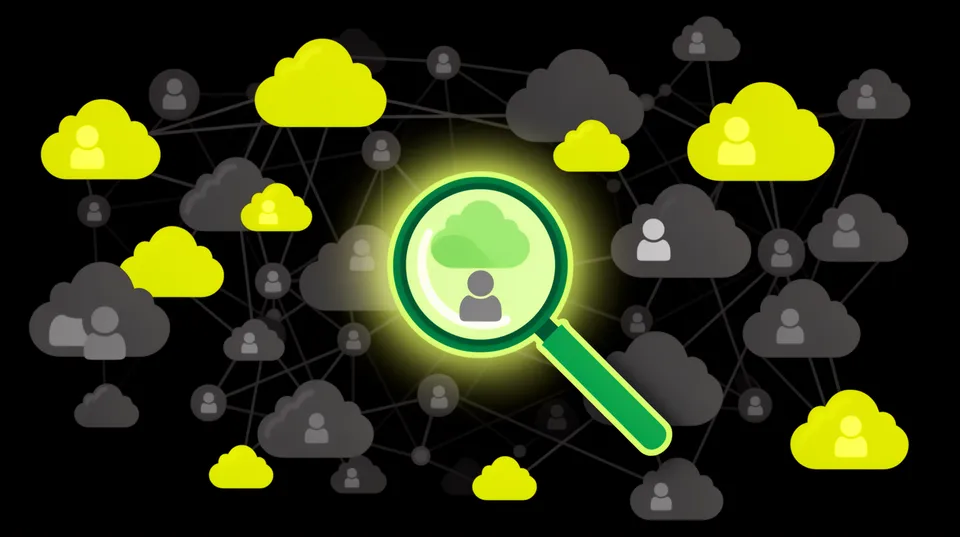
The firehose of alerts from a modern CNAPP is both a blessing and a curse. You have visibility, but you're drowning in data. The first step is to triage this data into an actionable inventory. Not all standing privileges are created equal.
Instead of a flat list, categorize findings by risk profile. The highest-risk items are typically non-human identities (service accounts, Lambda execution roles, EC2 instance profiles) with broad permissions. They're automated, often forgotten, and represent a direct, scriptable path for an attacker post-compromise.
Focus on roles that have a clear path to high-value assets. A role with s3:* on all buckets is a higher priority than a developer sandbox role with overly broad compute permissions. Use asset criticality and data sensitivity as your primary filters to turn a noisy backlog into a prioritized hit list.
Analyze Actual Usage, Not Just Assigned Permissions
The core of effective remediation is understanding the difference between what a role *can* do and what it *needs* to do. An IAM policy might grant ec2:*, but if the application only ever uses ec2:DescribeInstances and ec2:StartInstances, the rest is excess risk. This is where permission usage analysis becomes non-negotiable.
Cloud-native tools are your starting point:
- AWS: Use IAM Access Analyzer to generate policies based on CloudTrail activity. It directly addresses this by monitoring usage over a defined period and suggesting a scoped-down policy.
- Azure: Analyze Azure AD sign-in logs and Azure Monitor activity logs to correlate identities with their actions against Azure resources.
- GCP: Use IAM Recommender, which analyzes audit logs to find idle projects or over-granted roles and suggests changes.
This analysis turns a vague alert like "Over-permissive role" into a concrete data point: "This role used 3 of its 78 allowed permissions in the last 90 days.” That's a directive, not just a finding. It becomes the foundation for building a safe and accurate remediation.
Build a Production-Safe Remediation Blueprint
Once you know what permissions are unused, you can construct a remediation plan. However, blindly applying an auto-generated policy is a recipe for a production outage. A safe blueprint involves generating, validating, and deploying the fix in a controlled manner.
Phase 1: Generate the Least-Privilege Policy
Based on your usage analysis, generate a new, lean IAM policy. For example, a role for a log-processing Lambda function might start with this overly permissive policy attached directly or inherited:
{ "Version": "2012-10-17", "Statement": [ { "Effect": "Allow", "Action": "s3:*", "Resource": "*" } ]
}
After analyzing CloudTrail logs, you discover it only ever reads from a specific bucket prefix and writes logs to CloudWatch. The AI-powered remediation engines in platforms like Tamnoon can analyze this and generate a precise, least-privilege policy:
{ "Version": "2012-10-17", "Statement": [ { "Effect": "Allow", "Action": "s3:GetObject", "Resource": "arn:aws:s3:::source-data-bucket/raw-logs/*" }, { "Effect": "Allow", "Action": [ "logs:CreateLogGroup", "logs:CreateLogStream", "logs:PutLogEvents" ], "Resource": "arn:aws:logs:us-east-1:123456789012:log-group:/aws/lambda/log-processor:*" } ]
}
This generated policy is the core of the remediation. It's specific, verifiable, and dramatically reduces the blast radius if the Lambda function's role is ever compromised.
Phase 2: Validate for Production Impact
This is the step that separates a successful remediation from a resume-generating event. Before deploying the new policy, you must assess its potential impact. What breaks if your usage analysis was incomplete? A quarterly financial report job that wasn't running during your 90-day analysis window could fail.
A robust validation process includes:
- Blast Radius Analysis: Identify all applications, services, and users that depend on the role. Understand the business impact if one of them fails.
- Dry Run or Monitoring Mode: Some systems allow you to apply a policy in a "monitoring" mode where violations are logged but not enforced. This is the gold standard for validation.
- Human-in-the-Loop Approval: For critical systems, the generated policy and impact analysis should be reviewed by the asset owner or a DevOps lead. Remediation platforms like Tamnoon embed this workflow, routing the proposed change to the right person in Slack or Teams for a one-click approval. Making it easy for them is key to adoption. For more on this, check out our insights on why automated remediation breaks production without these guardrails.
Phase 3: Automate Deployment and Verification
With an approved, validated policy, deployment can be automated. This can be done through a direct API call or, preferably, through an Infrastructure-as-Code (IaC) pipeline. Committing the updated policy to a Git repository triggers a CI/CD process that applies the change using Terraform or CloudFormation.
After deployment, the loop must be closed. The remediation system should automatically verify that the fix is in place and instruct the original CSPM to rescan the resource. The alert should now be gone, and metrics like Mean Time to Remediate (MTTR) should reflect the success.
Operationalize Just-in-Time (JIT) for Human Access
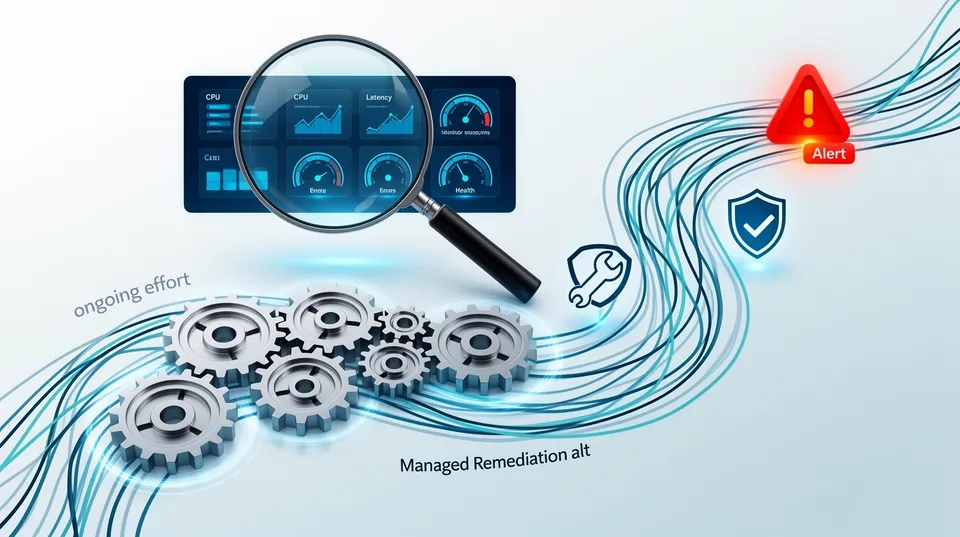
While fixing non-human identities is crucial, eliminating standing privileges for human users requires a different approach: Just-in-Time (JIT) access. No developer, SRE, or security analyst should have permanent admin-level access. Privileges should be granted temporarily, for a specific task, with full auditing.
This isn't just theory. With 70% of cloud breaches resulting from compromised identities, permanent privileged accounts are an unacceptable risk. The solution is to make temporary access the path of least resistance. Tools like AWS IAM Identity Center (the successor to AWS SSO), Azure AD Privileged Identity Management (PIM), and commercial PAM solutions are designed for this.
The workflow for a developer needing to debug a production issue should look like this:
- The developer requests access to the
Production-Debugrole via a portal or Slack command. - The request is either auto-approved (for low-risk roles) or sent to a manager for approval.
- Upon approval, the developer can assume the role for a pre-defined duration (e.g., 1 hour).
From the developer's terminal, the experience is simple and integrates with existing tools:
# 1. Log in via the organization's identity provider
aws sso login --profile prod-access # 2. Command now runs with temporary, audited credentials
aws s3 ls s3://production-data-bucket --profile prod-access # After 1 hour, the session expires and access is revoked.
The key is making this process faster and easier than sharing credentials or using static, long-lived access keys. If the secure way is also the most convenient way, developers will adopt it.
Prevent Regression with Policy-as-Code
Remediation is good; prevention is better. The most effective way to eliminate standing privileges is to prevent them from being created in the first place. This is achieved by shifting left and integrating IAM policy checks directly into your IaC pipeline.
Using Policy-as-Code tools like Open Policy Agent (OPA) with Terraform or Checkov, you can build guardrails that prevent developers from merging or deploying overly permissive policies. A pipeline check can automatically fail a build if it detects a wildcard (*) in an IAM policy or the attachment of a forbidden managed policy like AdministratorAccess.
Here’s a simplified OPA policy written in Rego that could be used in a CI pipeline:
package terraform.iam.deny deny[msg] { resource := input.resource_changes[_] resource.type == "aws_iam_role_policy" statement := json.unmarshal(resource.change.after.policy).Statement[_] contains(statement.Action, "*") msg := sprintf("Resource '%v' contains a wildcard action, which is forbidden. Please specify explicit actions.", [resource.address])
}
When a developer tries to apply Terraform code with a wildcard IAM action, the pipeline fails with a clear message. This stops the problem at the source and educates developers on secure practices. It's a critical component of maintaining a Zero Standing Privilege environment long-term, as detailed in best practices for fixing over-permissive IAM.
The persistence of privilege escalation vulnerabilities, such as the one found in Cisco's Identity Services Engine (ISE), shows that even mature identity systems can have flaws. By codifying least privilege in your own pipelines, you add a powerful, customized layer of defense.
Eliminating standing privileges isn't a single project; it’s a continuous program. It requires a systematic, operational approach that turns detection into safe, verified remediation. Stop staring at the alert list and start building the machinery to shrink it.

Tamnoon helps security teams remediate cloud risks faster with AI-augmented managed services — combining human expertise with automation so nothing falls through the cracks.
Learn more at tamnoon.ioFAQs
What is the single most important first step to eliminating standing privileges?
The most critical first step is to achieve complete visibility and then ruthlessly prioritize. Use your CSPM or CIEM to inventory all human and non-human identities and their effective permissions. Then, instead of trying to fix everything, focus on the highest-risk exposures first: internet-facing resources with privileged roles, non-human identities with write access to sensitive data stores (like S3 buckets or databases), and roles that allow privilege escalation.
How can I implement Just-in-Time (JIT) access without slowing down my developers?
The key to successful JIT adoption is making the secure path the easiest path. Automate the access request and approval workflow as much as possible, integrating it directly into tools they already use, like Slack or Teams. Use solutions like AWS IAM Identity Center that provide seamless CLI and console access with temporary credentials. If requesting temporary access takes two minutes and finding a static key takes ten, developers will choose JIT every time.
Won't automating IAM remediation break our production applications?
It absolutely can if done recklessly. Safe automated remediation is not a fire-and-forget script. It requires a multi-stage process: 1) analyze actual permission usage over time, 2) generate a proposed least-privilege policy, 3) perform a blast radius analysis to see what could break, and 4) require human-in-the-loop approval for high-risk changes. Platforms like Tamnoon are built around these safety guardrails to prevent automated changes from causing outages.
Our CSPM shows thousands of over-permissioned roles. Where do we even start?
Don't try to boil the ocean. Start with a small, high-impact subset. A great place to begin is with non-human identities. Filter your CSPM findings for service accounts, Lambda roles, or EC2 instance profiles that either have administrative privileges or have `*:*` permissions. These are often forgotten, have no direct human owner, and represent a huge, quiet risk. Fixing just the top 20 of these can yield a massive reduction in your overall risk posture.
What's the difference between a CSPM and a platform like Tamnoon for this problem?
A CSPM or CIEM is excellent at detection; it tells you *what* is broken. Tamnoon is a cloud remediation platform focused on the *fix*. It ingests alerts from your CSPM, enriches them with usage data, generates a specific and production-safe fix (like a refined IAM policy), manages the human approval workflow, and automates the deployment of that fix. It bridges the gap between knowing you have a problem and getting it resolved safely in production.